



.svg)
The workflow breaks down exactly when it matters most
Right now, most schools are managing student referrals the same way they always have. A quick word in the hallway, a note in a shared spreadsheet, an email that may or may not get a reply. It works well enough, until it doesn't.
A shared Google Doc has no audit trail, no role-based access, and no guarantee that sensitive information stays within the right hands.
When a teacher flags a concern verbally, there's no trail. No way to know if it was followed up on, no way for the next person to pick up where the last one left off.
Without a shared system, two teachers can flag the same student separately, a practitioner can miss critical context, and a student who needed support can slip through unnoticed.

It gives every teacher, coach, and staff member a fast, secure way to flag a student concern and route it to exactly the right practitioner with everything they need to act.
.png)

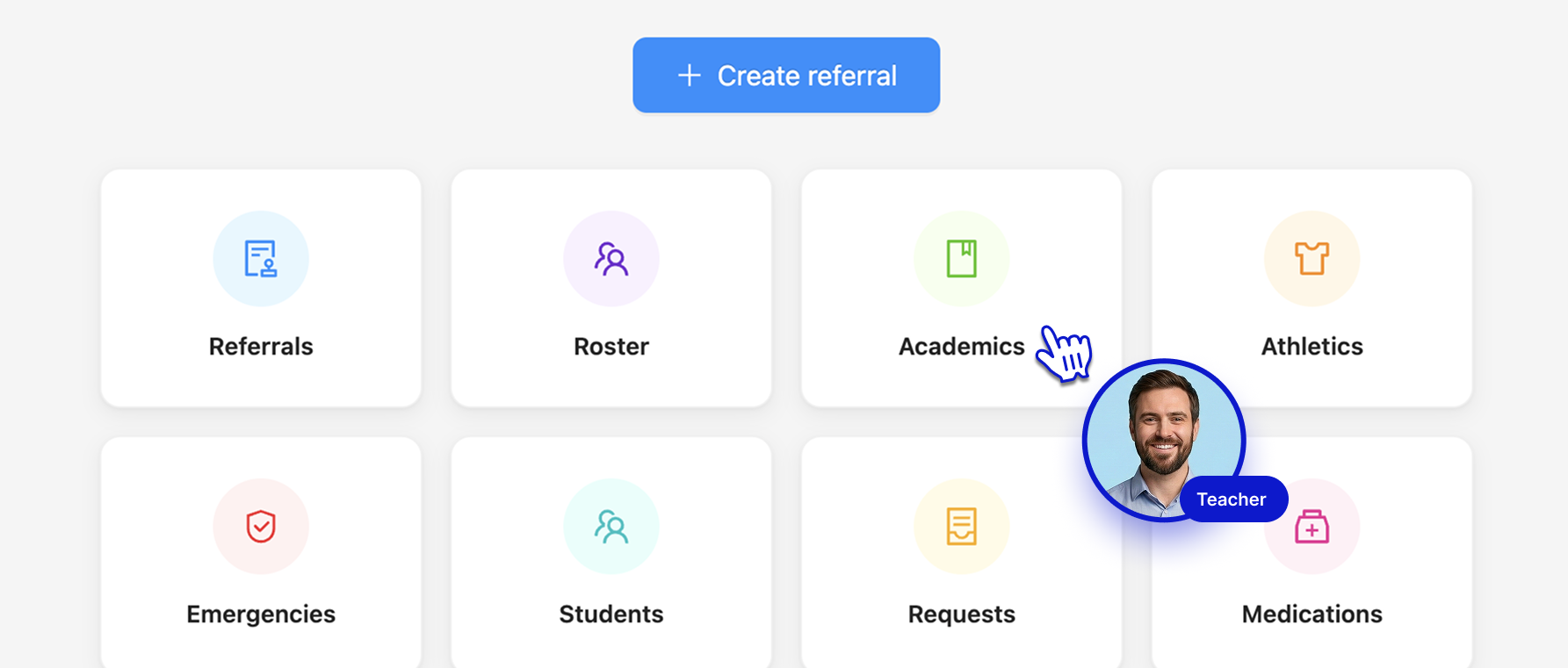
Getting a referral to the right person takes less than a minute


A single prominent button gets teachers into the flow immediately. If submitting from a student's profile page, the student name is already filled in
Select from admin-configured referral types: counseling check-in, health concern, behavioral incident, academic support, and more. Route directly to the right practitioner role


Select from admin-configured referral types — counseling check-in, health concern, behavioral incident, academic support, and more — and route directly to the right practitioner role

A dynamic form tailored to the referral type captures exactly what the practitioner needs upfront. No blank text boxes. No back-and-forth to fill in gaps
Teachers can follow the referral as the practitioner reviews and responds: submitted, accepted, or resolved

Teachers can follow the referral as the practitioner reviews and responds — submitted, accepted, or resolved




Ms. Rivera notices that one of her students has stopped sitting with his friends. He's been alone at lunch all week. In seconds, she submits a referral to the school counselor with her observations already attached. The counselor gets it instantly and schedules a check-in that afternoon.



Mr. Marcus notices a student squinting to read the board, even from the front row. He submits a quick referral to the school nurse for a vision screening before it becomes a barrier to learning.



Coach Williams witnesses a student behaving inappropriately toward a teammate on the field. She fills out an incident report directly from the Faculty Portal: what happened, who was involved, when. It reaches the dean immediately, with everything needed to follow up.



Referrals isn't only for concerns. Teachers can use the Shoutout referral type to log a positive growth moment they've witnessed. A student who finally raised their hand in class. A peer who stepped up in an unexpected way. Knowing what's going right matters just as much as catching what isn't.







Nurses see health forms, coaches see athletic clearance, admins see everything.
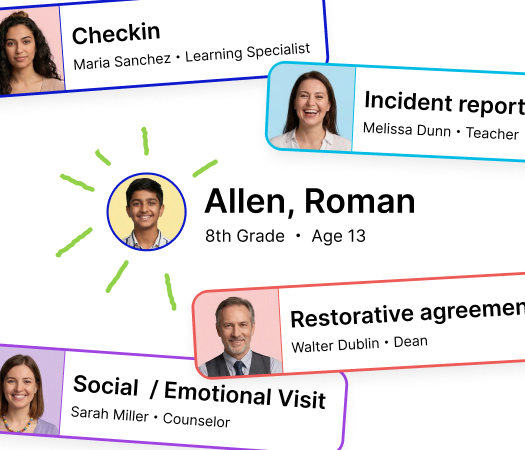
Restorative behavior documentation connected to counseling, health, and learning support.

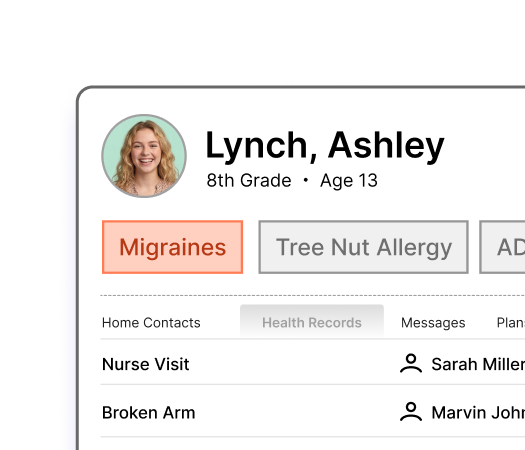
The complete student health record — profiles, history, chronic conditions, and care coordination in one place.
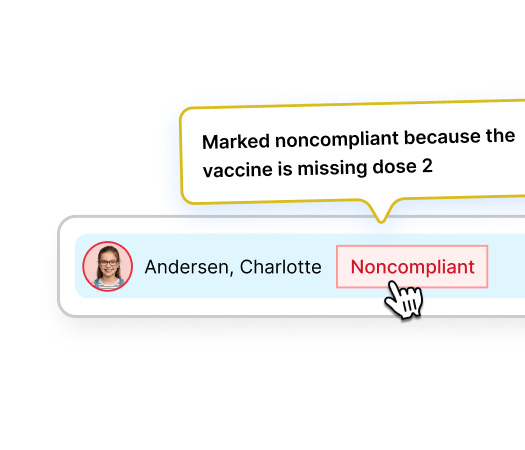
Immunization compliance, health screenings, and athletic clearance — tracked automatically across every requirement.
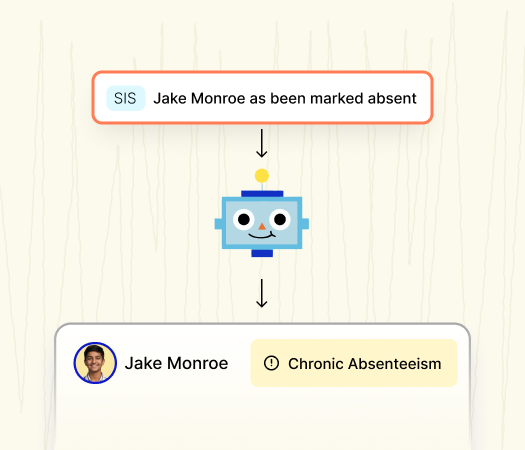
Connect health, behavior, and learning data to attendance patterns — and understand why students are missing school.
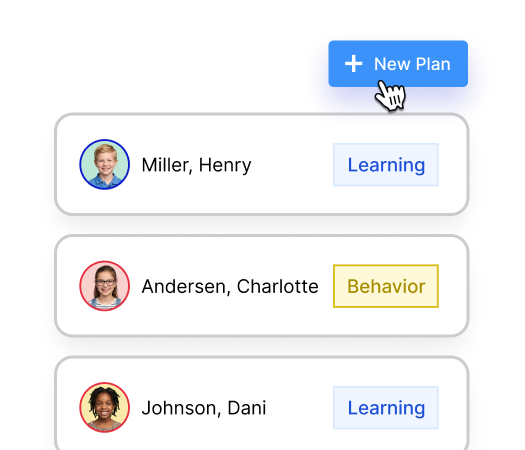
Health plans, accommodation plans, and emergency plans that live alongside the student record.
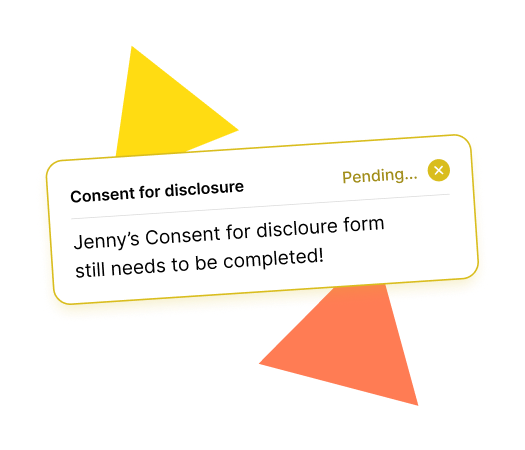
Consent forms collected through the family portal and stored exactly where your team needs them.



Talk to the August team to see how it works at your school